
ReMarkable Planner Sales Are Exploding: Create Interactive Planners in Minutes
ReMarkable planner sales are exploding, especially on Etsy, and digital creators who design planners specifically for the ReMarkable tablet are seeing strong results. As more users move toward distraction free, paper like writing devices, the demand for device specific digital planners continues to grow.
To support this trend, the A Book Creator Planner Tool now includes an important update that allows you to create perfectly sized interactive PDFs for ReMarkable, Kindle Scribe, iPad, and Samsung Tab in just minutes.
ReMarkable Planners Are a Fast Growing Digital Planner Niche
The ReMarkable tablet attracts a very specific audience. These users value a distraction free digital writing experience, clean and minimal planner layouts, plenty of usable writing space, and planners that feel intentionally designed for e-ink tablets.
Because of this, ReMarkable users often prefer planners created specifically for their device rather than planners originally designed for iPads or other tablets and resized later. This shift has made ReMarkable planners one of the most promising digital planner niches, particularly for Etsy sellers.
The Problem With Guessing PDF Sizes for Digital Planners
One of the biggest challenges when creating digital planners is getting the PDF size right. Many creators end up guessing the correct dimensions, reusing layouts made for other devices, or exporting multiple versions of the same planner and hoping one works.
When a planner is not sized correctly for the ReMarkable tablet, it can feel awkward to write in even if the design looks fine visually. That small usability issue can have a big impact on customer satisfaction and sales.
New Planner Tool Update Lets You Choose the Device First
To solve this problem, the A Book Creator Planner Tool now lets you choose the exact device you are creating for before generating your planner.
You can now create interactive planners sized perfectly for ReMarkable, Kindle Scribe, iPad, and Samsung Tab.
Once you select the device, the Planner Tool automatically generates your interactive PDF at the correct size. There is no resizing, no manual calculations, and no trial and error. This allows you to focus on creating great content instead of worrying about technical details.
How to Create a ReMarkable Planner in Minutes
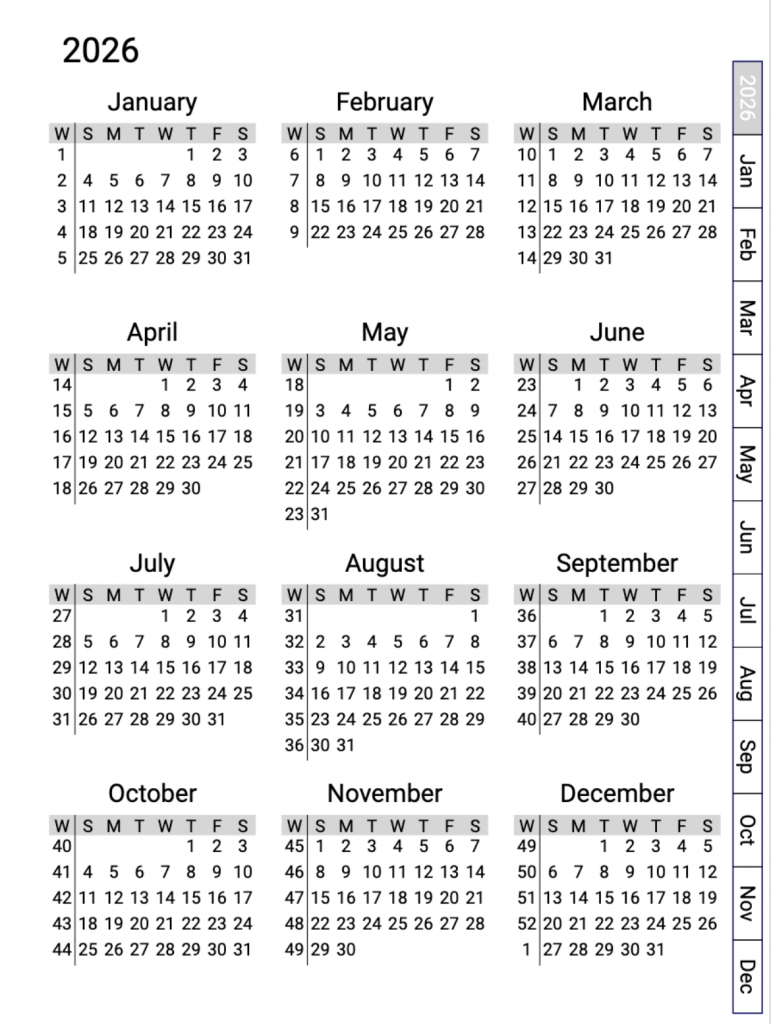
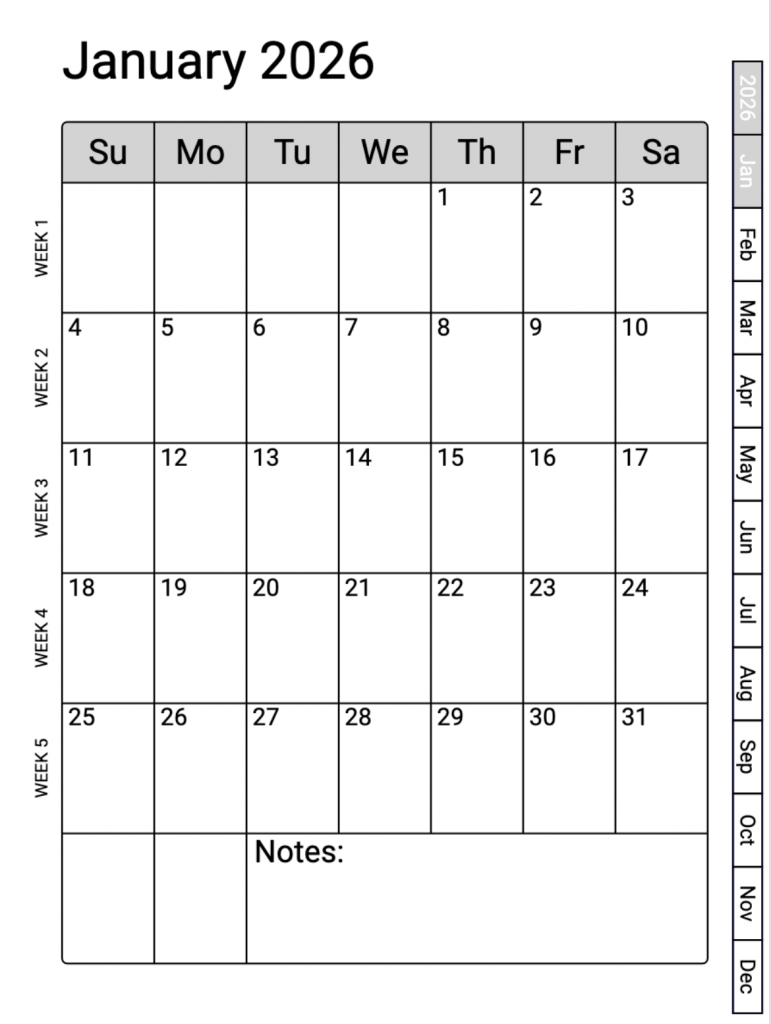
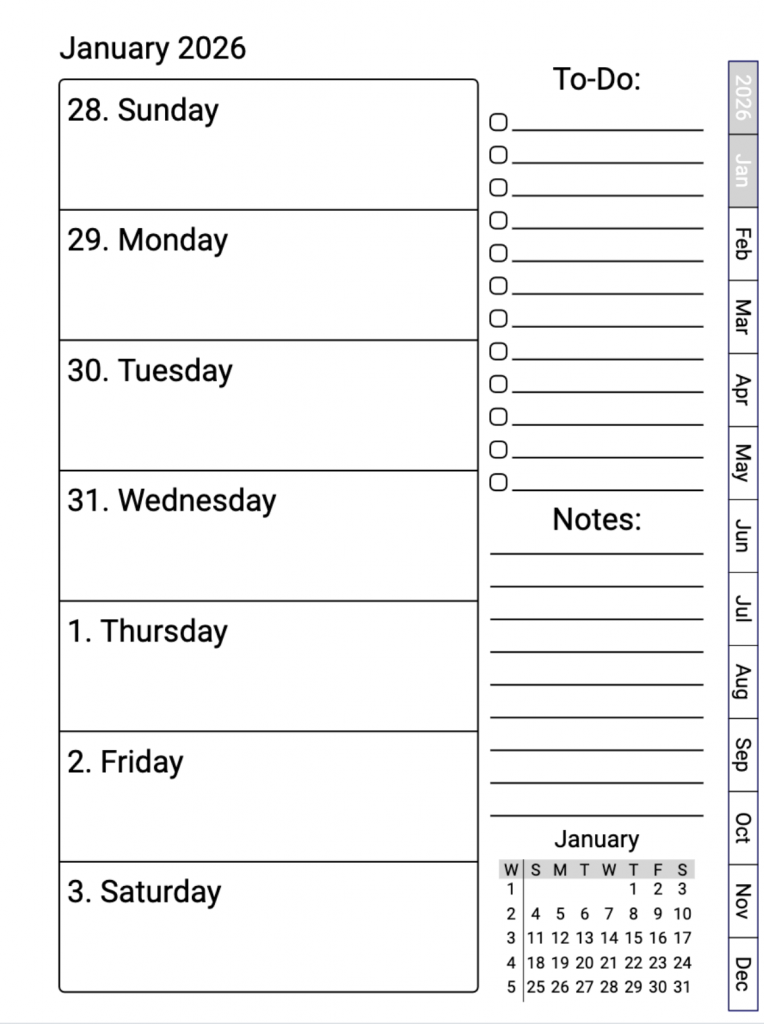
With this new feature, creating a ReMarkable planner with A Book Creator’s Planner Tool is fast and straightforward.
- First, select ReMarkable as your target device.
- Second, customize your planner pages as usual.
- Third, export a perfectly sized interactive PDF.
Instead of spending hours testing layouts and adjusting dimensions, you can now create high quality ReMarkable planners in minutes.
Watch the Demo Video
I recorded a short demo video that walks through this new feature step by step, with a focus on creating planners specifically for the ReMarkable tablet. The video also shows how the same workflow works if you want to create planners for Kindle Scribe, iPad, or Samsung Tab.
Click below to watch the video
Try the Planner Tool With a Free Three-Day Trial
If you would like to try this feature yourself, you can test the A Book Creator Planner Tool with a free three-day trial. This gives you full access to create device specific interactive planners and see how quickly you can produce professional results.
Final Thoughts
The ReMarkable planner market is growing quickly, and creators who design intentionally for the device are putting themselves in a strong position, especially on Etsy. With this Planner Tool update, creating device perfect interactive planners is simpler, faster, and more reliable than ever.
If you have been considering adding ReMarkable planners to your product lineup or improving the planners you already sell, now is an excellent time to get started.