
5 Planner Upgrades That Make People Buy (Not Just Browse)
If your planners aren’t selling the way you expected, it’s tempting to assume the market is saturated or that you need better covers or lower prices. In reality, most planners don’t struggle because of how they look on the outside. They struggle because of what’s missing on the inside.
Planners that sell consistently are designed with intention. They solve a clear problem, guide the user, and feel valuable from the moment someone flips through the pages or previews the PDF.
Below are five planner upgrades that separate planners that sell from planners that just sit there.
These strategies work for both print and digital planners and can dramatically improve conversions, perceived value, and long-term sales.
1. Solve One Clear Problem for One Clear Buyer
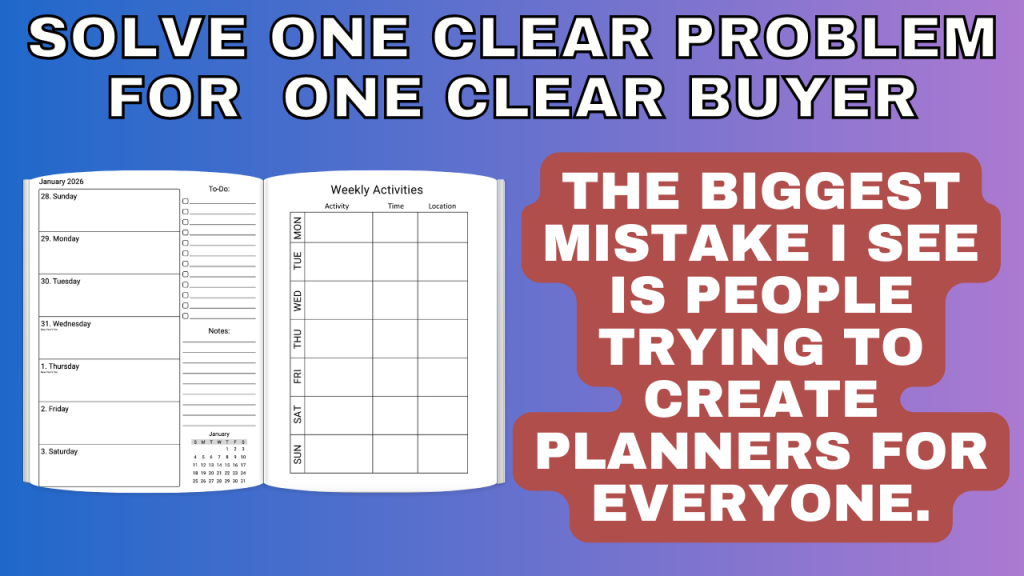
The biggest mistake planner creators make is trying to design for everyone.
Buyers don’t shop for “a planner.” They shop for solutions to problems they already have.
Instead of asking:
- What pages should I include?
Ask:
- What problem does this planner solve?
That problem might be:
- Staying consistent
- Managing time better
- Reducing overwhelm
- Tracking habits or goals
- Balancing work and life
And that problem should be tied to one specific audience, such as busy moms, small business owners, wellness-focused users, or students.
When your planner is clearly designed for one buyer and one problem:
- Your listings become easier to write
- Your keywords become clearer
- Your conversions improve
People buy planners that feel like they were made for them.
2. Add Prompts That Guide the User
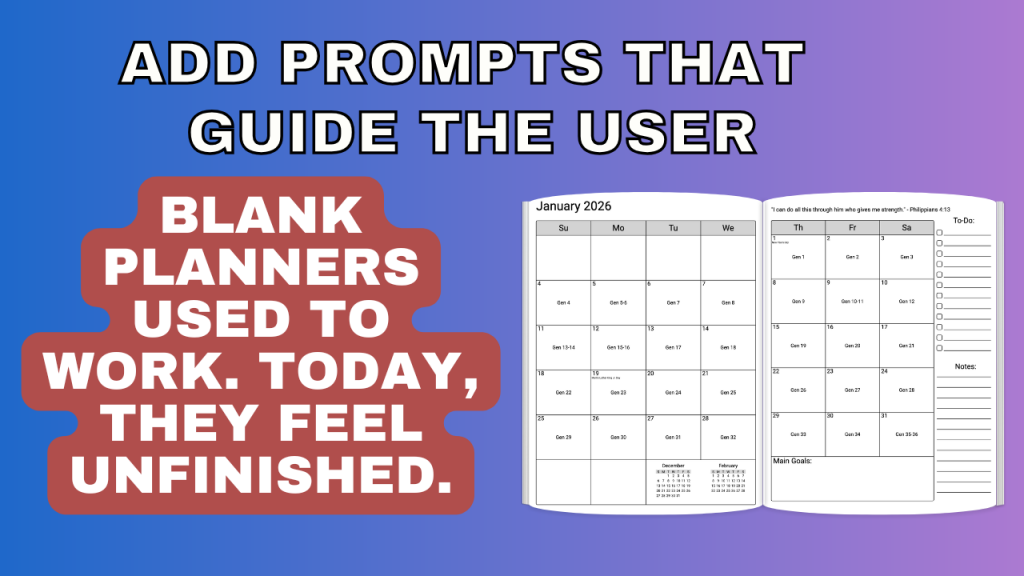
Blank planners used to be enough. Today, they often feel unfinished.
Prompts turn planners into tools.
They guide the user, reduce decision fatigue, and help buyers understand exactly how the planner is meant to be used.
Examples include:
- Monthly reflection prompts
- Weekly intention-setting questions
- Daily focus, gratitude, or priority prompts
Prompted planners feel more supportive and more valuable. They also tend to get better reviews because users feel confident using them instead of overwhelmed.
From a sales standpoint, prompts help justify higher prices because the planner feels more “done for you.”
3. Use Images to Add Clarity, Structure, and Value
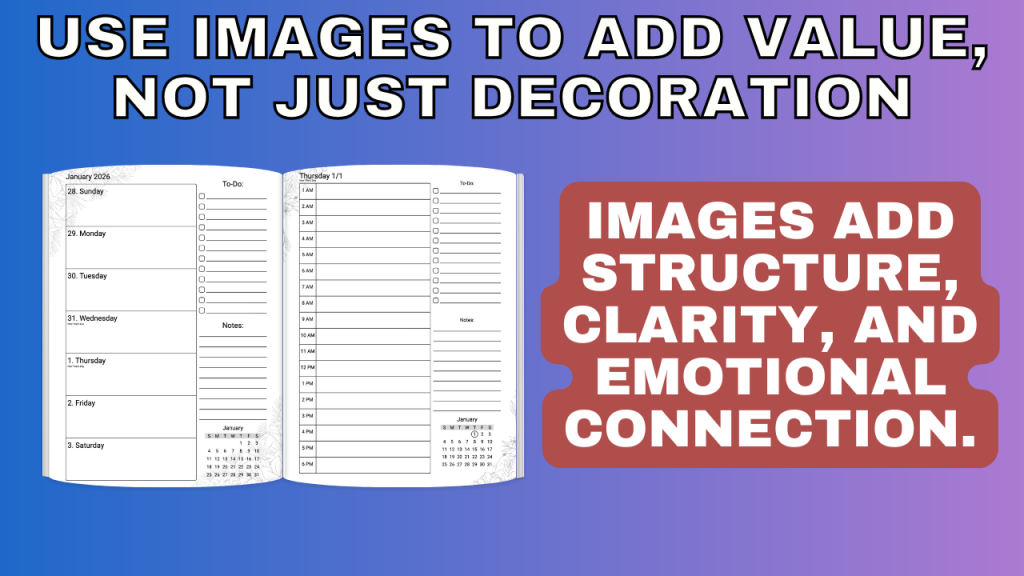
Images are not just decoration — when used intentionally, they improve the user experience.
Thoughtful visuals can:
- Separate sections clearly
- Guide users through prompts
- Create emotional connection
- Make planners feel polished and professional
Examples of effective image use:
- Section divider images
- Soft background images behind prompts
- Icons for habits, goals, or focus areas
- Visual cues that show users where to start
Planners that include intentional visuals tend to stand out in previews and feel more premium, even when the overall layout is simple.
4. Add Extra Pages Where They Make Sense
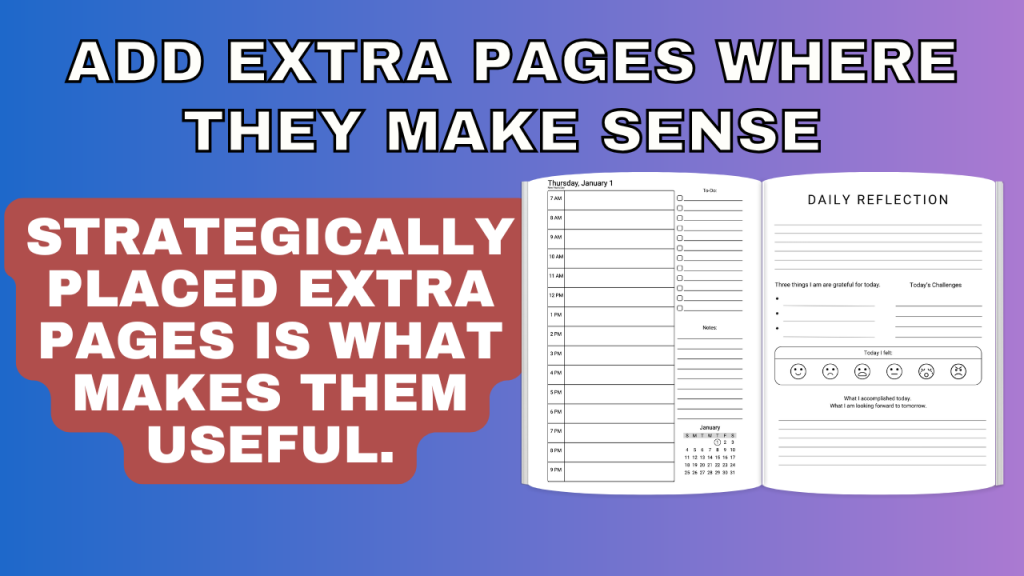
Adding extra pages is good. Placing them strategically is better.
Many planners either skip helpful extras altogether or dump them all at the back of the book. High-selling planners place extra pages exactly where users expect them.
Examples:
- Monthly expense trackers immediately after monthly calendars
- Habit trackers near weekly layouts
- Monthly review pages before the next month begins
These pages feel like natural extensions of the planner, not random add-ons. Buyers notice this structure, even if they can’t quite explain why the planner feels “better.”
That sense of completeness increases buyer confidence and reduces refunds.
5. Turn Your Planner Into a System People Keep Using
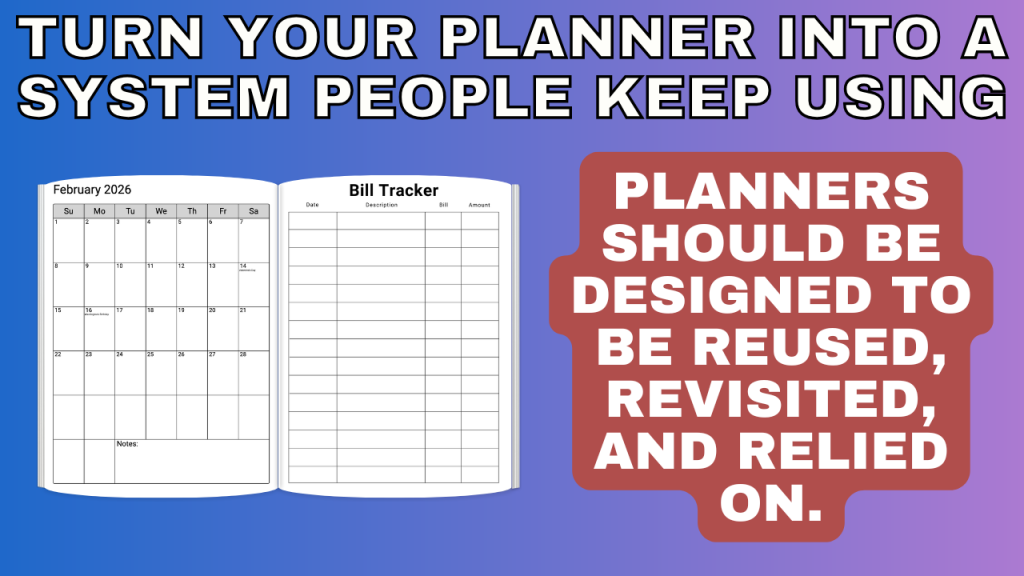
The planners that make the most money aren’t always the prettiest — they’re the ones people don’t want to replace.
Instead of creating a planner that’s used once and forgotten, aim to create a system.
This can look like:
- A planner and journal hybrid that combines planning with reflection
- A planner and tracker system focused on habits, goals, or wellness
- A reusable, undated planner with seasonal or quarterly resets
When a planner feels like a system:
- Buyers use it longer
- They recommend it more often
- You can confidently price it higher
Long-lasting planners also sell year-round, which makes them ideal for both print and digital formats.
Bringing It All Together
You don’t need more planners.
You need planners that:
- Solve a clear problem
- Guide the user
- Feel intentional
- Deliver real value
The good news is that every upgrade covered here — prompts, images, extra pages, interactivity, and system-based design — can be created in one place using the A Book Creator Planner Tool.
You don’t need multiple programs or complicated workflows. You can test ideas quickly, build planners with purpose, and focus on creating products people actually want to buy.
👉 You can try the Planner Tool with a free 3-day trial.
Start with one upgrade. Apply it to your next planner.
Then build from there.